Widget Studio
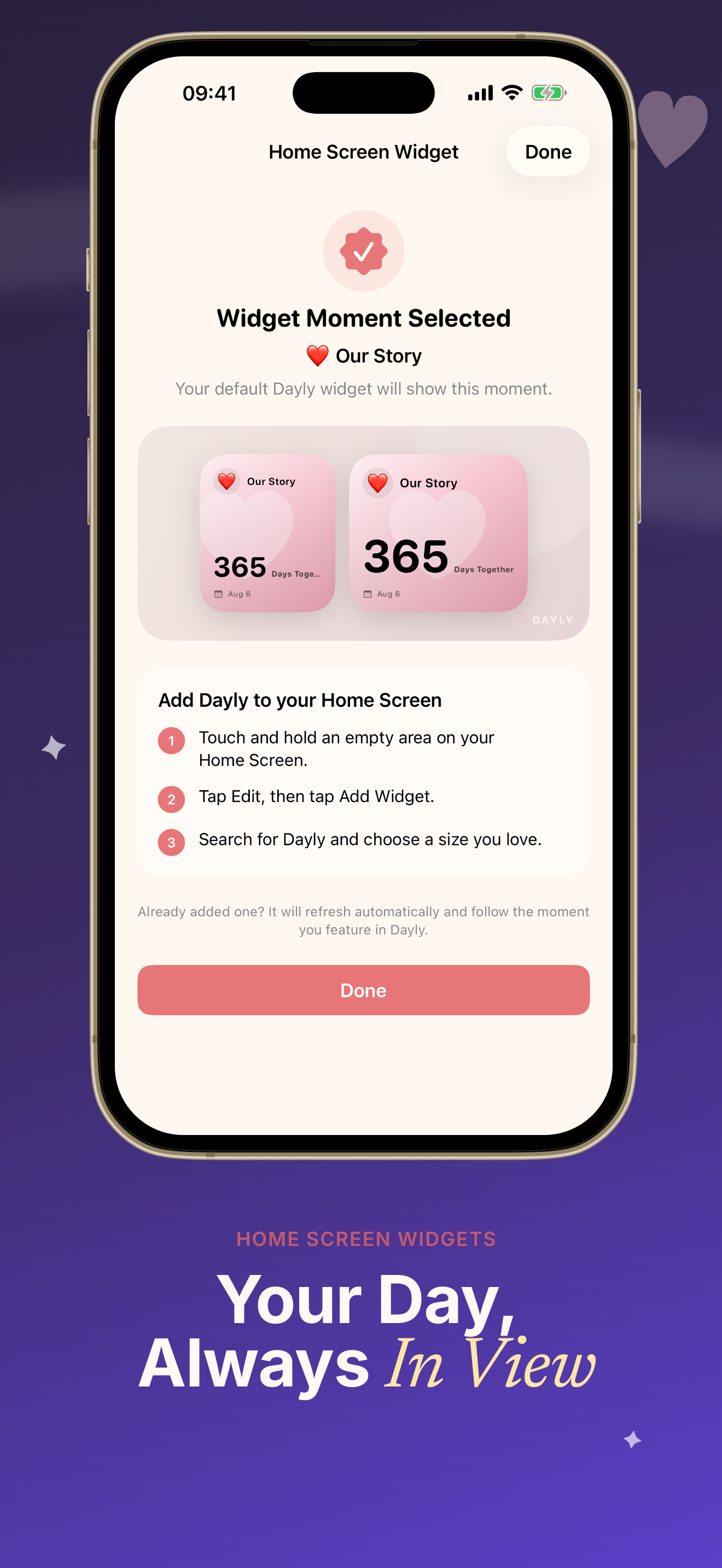
Configure up to 6 Home and Lock Screen widgets independently. Preview layouts, colors, decorations, and typography with a calm Korean-inspired design.
Dayly: D-Day Countdown for iPhone
Dayly: D-Day Countdown helps you track birthdays, trips, exams, weddings, goals, and how long you've been together — then puts them on beautiful Home Screen and Lock Screen widgets you can customize every day.
Free to start · 17 themes · Lunar & Gregorian dates · Privacy-first design
Scroll through real Dayly D-Day Countdown screens — widgets, themes, reminders, and memory cards designed to feel calm, personal, and always within reach.
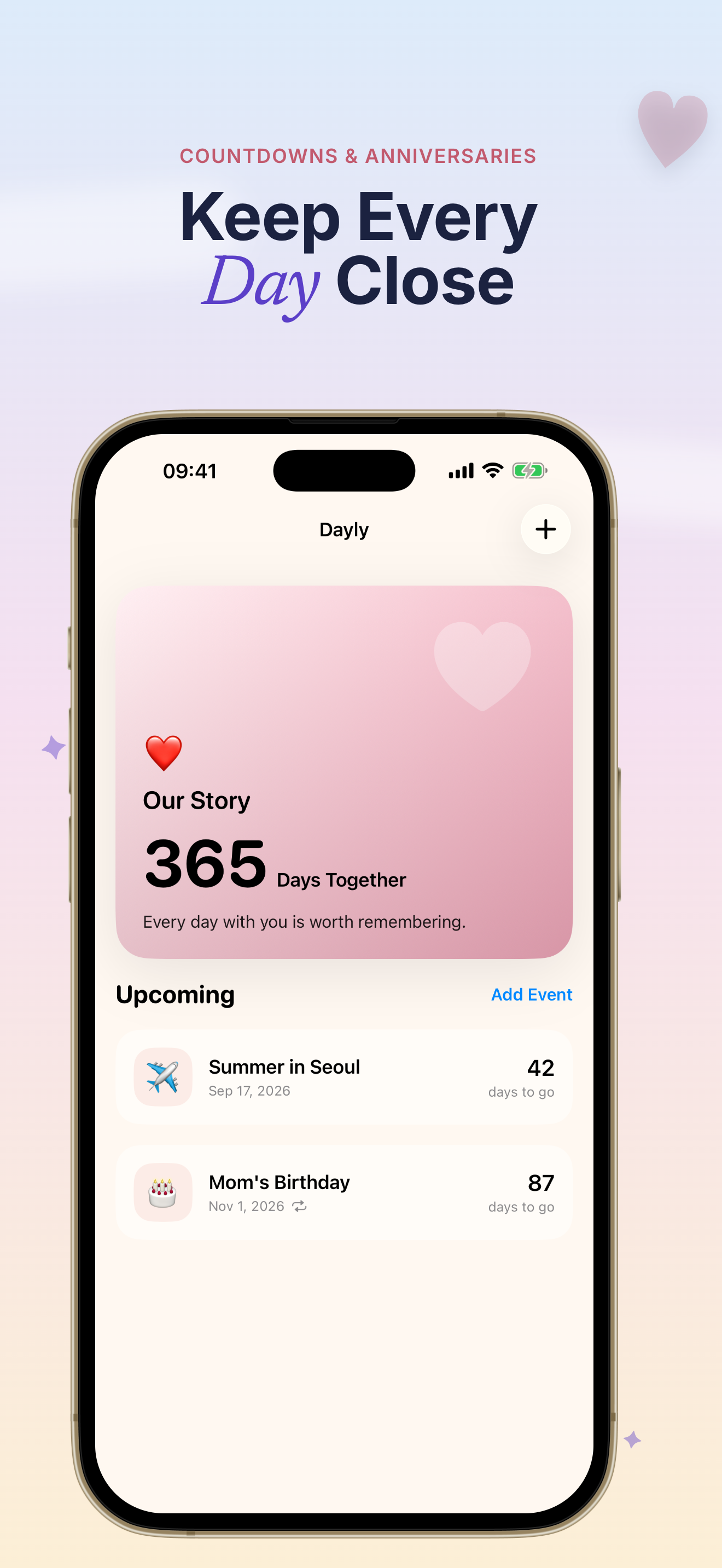
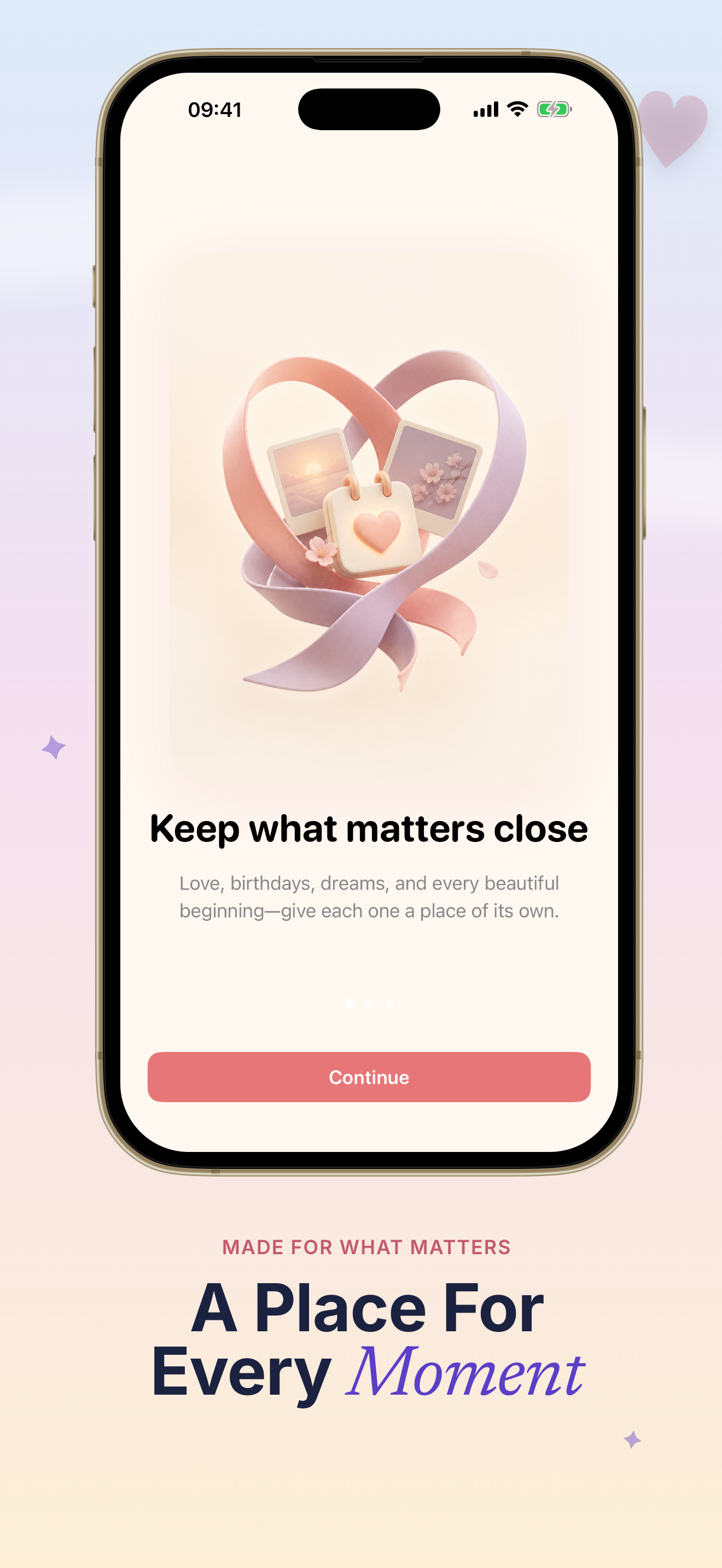
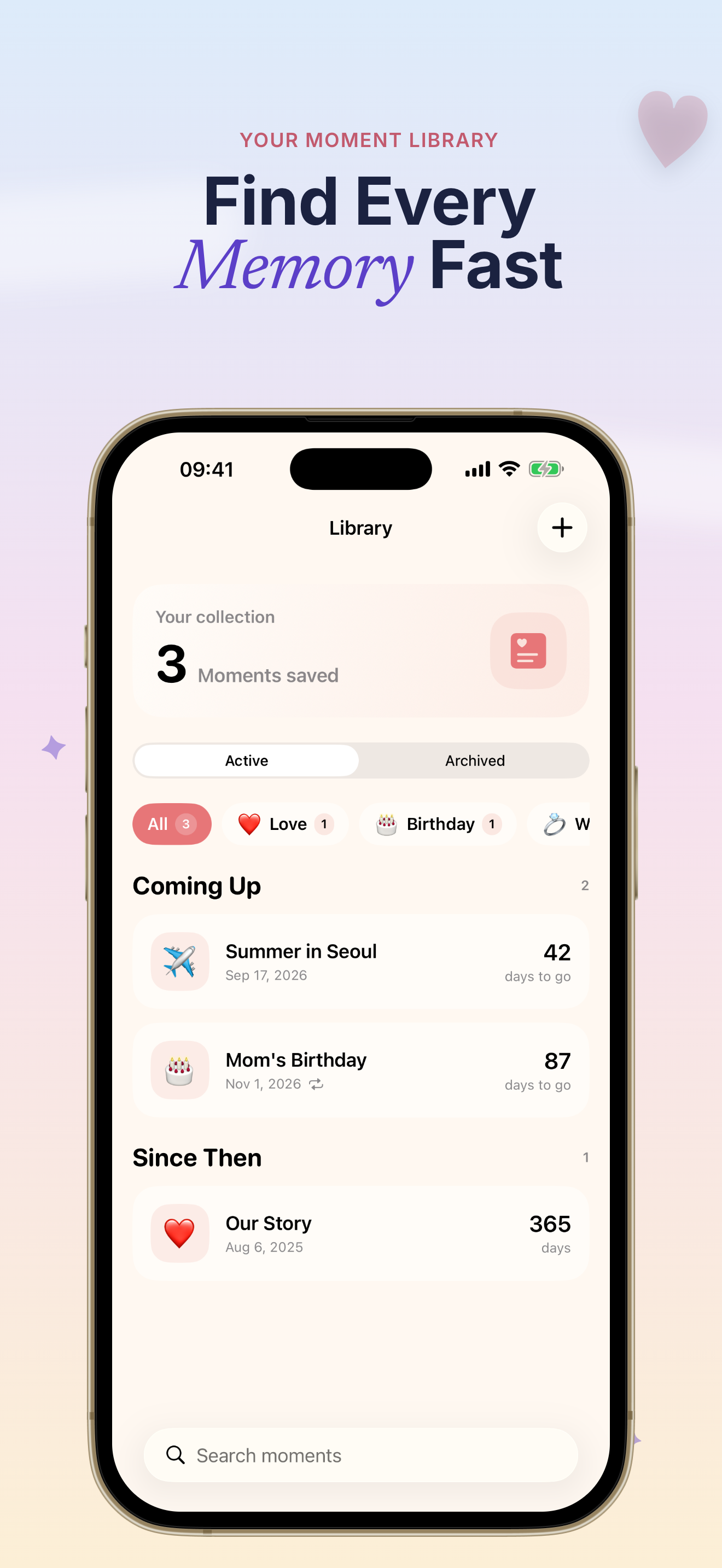
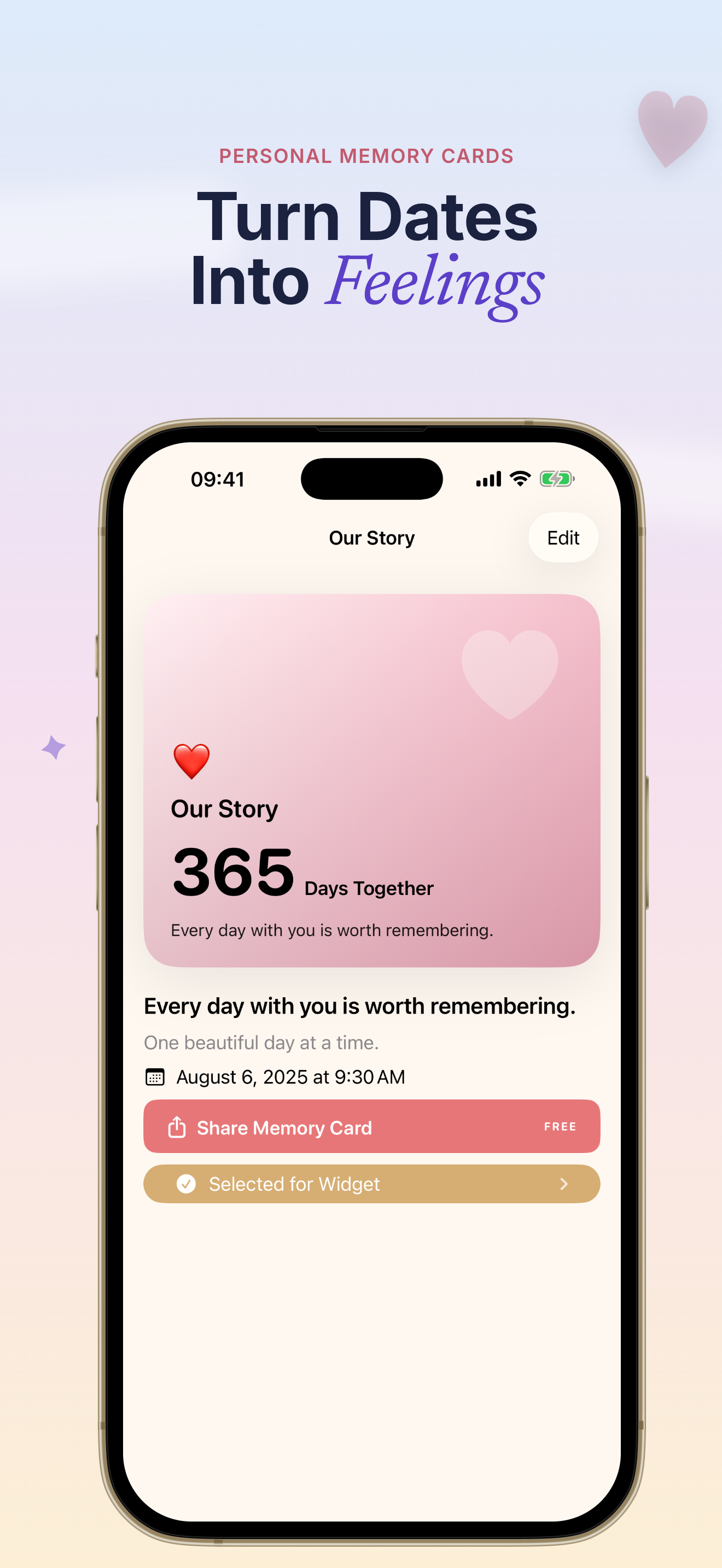
Whether you are counting down to a trip or counting up an anniversary, Dayly D-Day Countdown keeps the moment visible without clutter.
Plan a birthday, trip, exam, wedding, retirement, or goal — or celebrate how long you've been together. Dayly D-Day Countdown supports Gregorian and lunar dates with daily, weekly, monthly, yearly, or custom repeats.
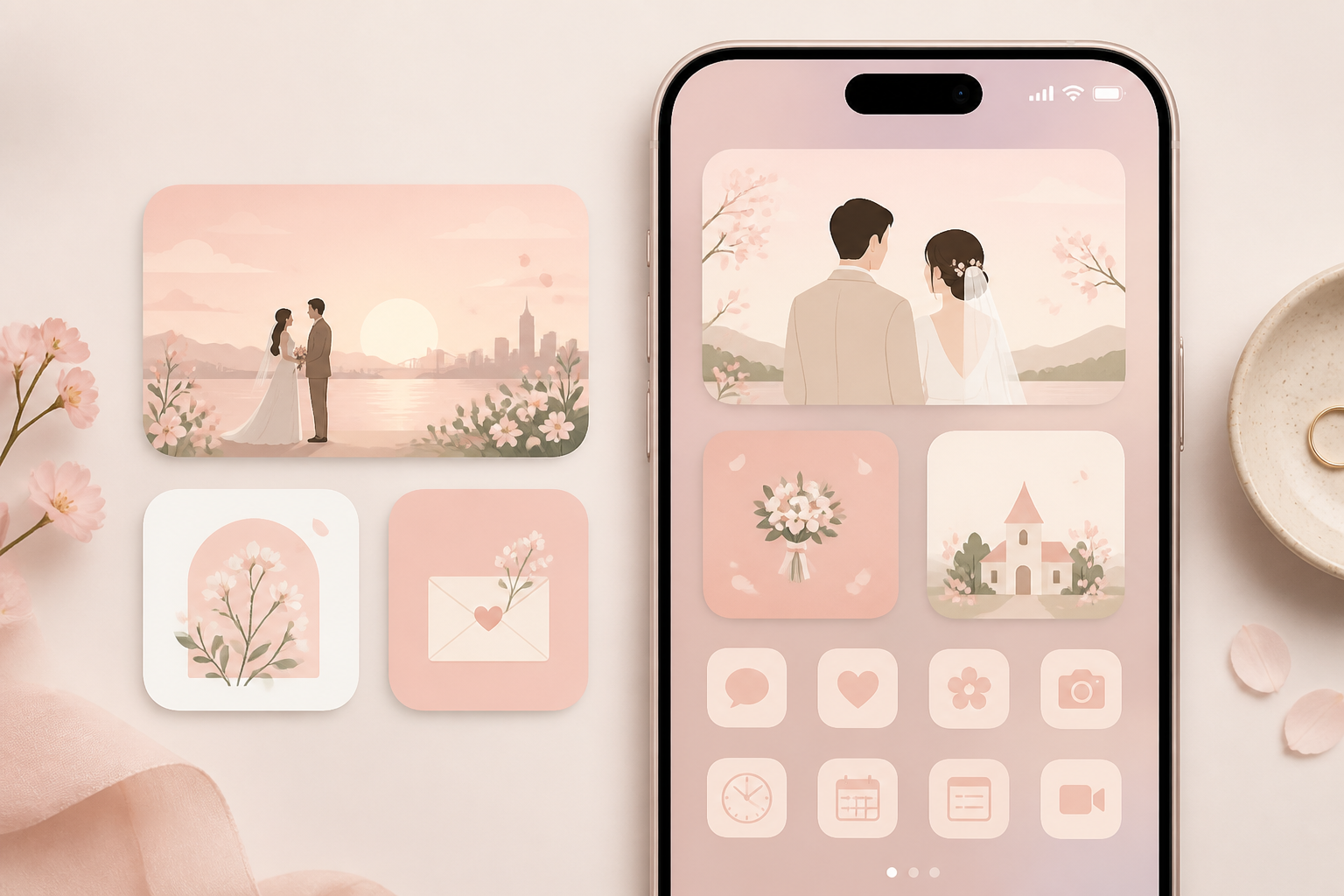
Choose from 17 thoughtful themes and 5 photo styles, then pair every date with a line that makes it yours. Dayly D-Day Countdown turns a countdown into a memory you want to see again.

Create HD memory cards, schedule reminders, enable Privacy Lock, and export a portable private backup. Dayly D-Day Countdown keeps your moments on your device — with optional iCloud sync across Apple devices.
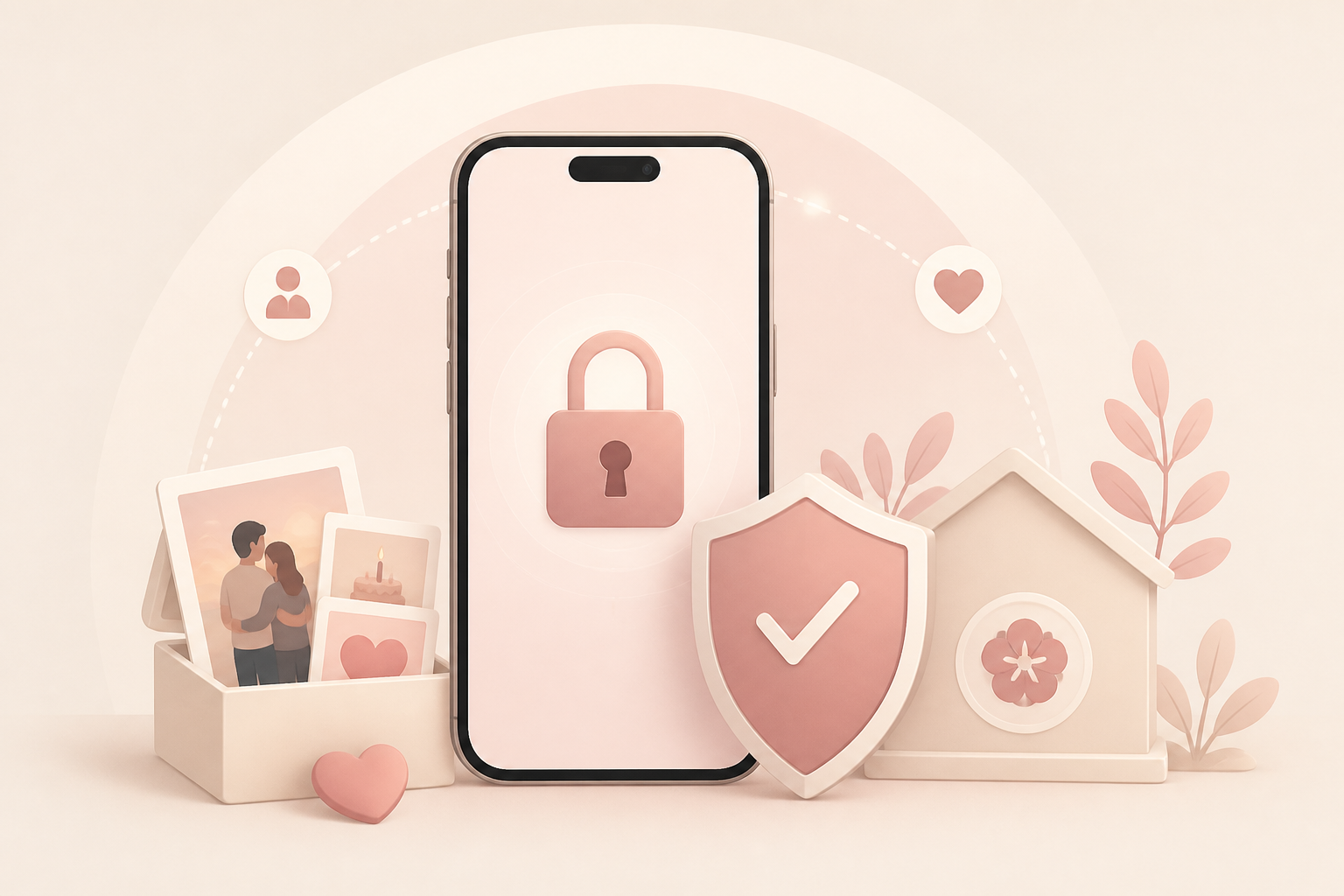
Everything in Dayly D-Day Countdown is built around one idea: the days that matter should stay visible, beautiful, and under your control.
Configure up to 6 Home and Lock Screen widgets independently. Preview layouts, colors, decorations, and typography with a calm Korean-inspired design.
Track lunar anniversaries and set daily, weekly, monthly, yearly, or custom repeat rules — perfect for traditions and long-running goals.
From romantic and minimal to baby, wedding, and travel — pick a look that matches the moment, then add a photo and a personal line.
Schedule multiple advance reminders so you never miss a birthday, trip departure, exam, or anniversary again.
Share a polished countdown or anniversary card in high resolution — perfect for messages, stories, and keepsakes.
Export and restore a portable backup, archive past moments without losing them, and unlock unlimited events with Dayly Pro.
Three simple steps to turn an important date into a widget you will actually enjoy seeing every day.
Open Dayly, tap to create a new moment, and choose whether to count down to a future date or count up from a special day. Add a title, pick Gregorian or lunar calendar, and set a repeat if needed.
Browse 17 themes and 5 photo styles, write a short emotional line, and preview how your Dayly D-Day Countdown will look on Home Screen and Lock Screen widgets.
Each widget can show a different moment — configure them independently in Widget Studio.
Add a Dayly widget to your Home Screen or Lock Screen, turn on reminders if you want a nudge, and optionally enable Privacy Lock or iCloud sync for extra peace of mind.
Dayly Pro unlocks unlimited moments, advanced repeats, HD sharing, private backups, and all widget styles.
Read Dayly FAQQuick answers about how Dayly D-Day Countdown works, what is free, and how your data stays private.
Dayly is an iPhone app that turns important dates into beautiful D-Day countdown and anniversary widgets. You can count down to future events or count up from special days, with themes, photos, reminders, and optional iCloud sync.
Yes. You can create up to 3 moments for free. Dayly Pro unlocks unlimited moments, archive & restore, all 17 themes, Widget Studio, advanced reminders, HD sharing, private backups, and Privacy Lock.
Yes. Dayly supports both Gregorian and lunar calendar dates, along with daily, weekly, monthly, yearly, and custom repeat rules — ideal for lunar birthdays and traditional anniversaries.
Your moments and photos stay in your private app data on your device. If you enable iCloud sync, Dayly keeps them available across your Apple devices through your iCloud account. Dayly does not sell your personal data.
Add a Dayly widget from the iOS widget gallery, then configure each widget independently in Widget Studio. You can preview layouts, colors, decorations, and typography before placing them on Home Screen or Lock Screen.
Dayly Pro is available as an optional annual auto-renewing subscription or a one-time lifetime purchase. You can manage or cancel subscriptions anytime in your App Store account settings.
Keep the people, plans, and days that matter close — on your Home Screen, Lock Screen, and in your pocket.
Start free, customize your first widget in minutes, and upgrade to Dayly Pro when you are ready for more.
Requires iOS 17 or later. Subscriptions managed through the App Store.